
We need to add Holiday schedule after deployment for each environment. For this you need to have admin privilege.
Please follow the below steps:
Open your Model driven App.
Go to Service Administration > Holiday Schedule.
Create a new holiday schedule – “Holiday”
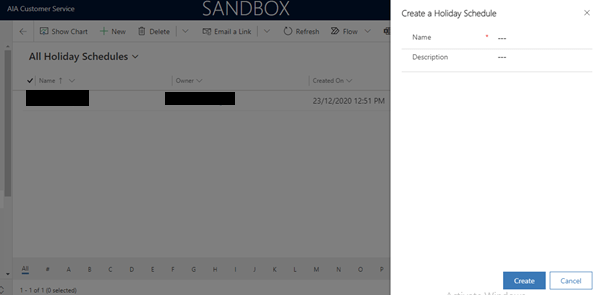
Now add Holiday List entries as per you’re your country.

Click on save to Holiday Schedule

 GM Dynamics & Agentic AI Consulting