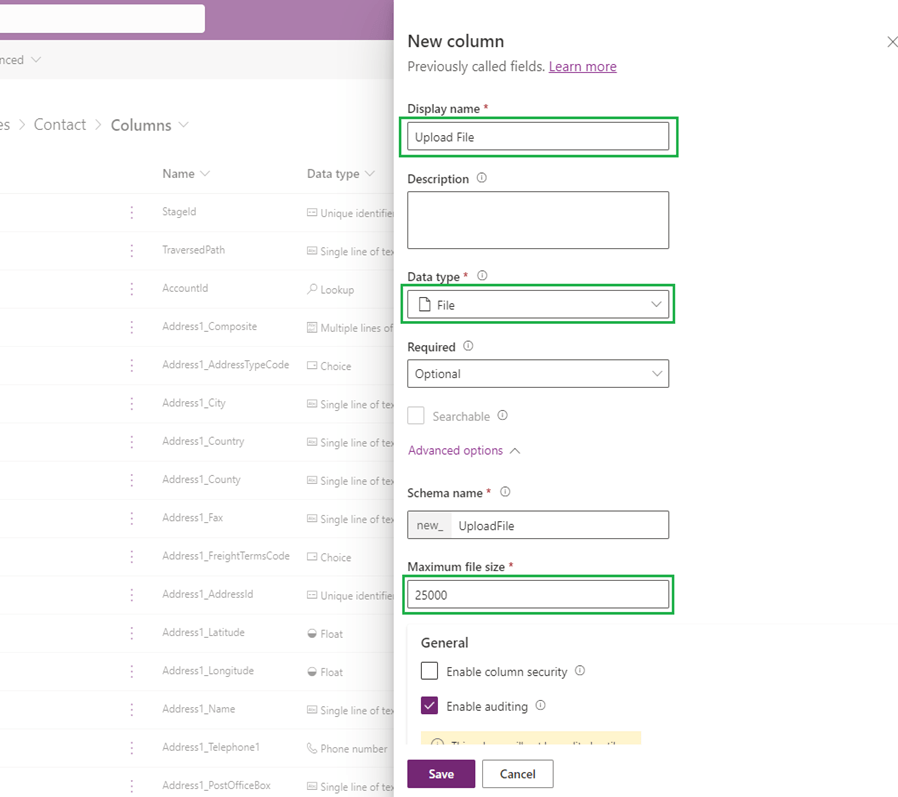
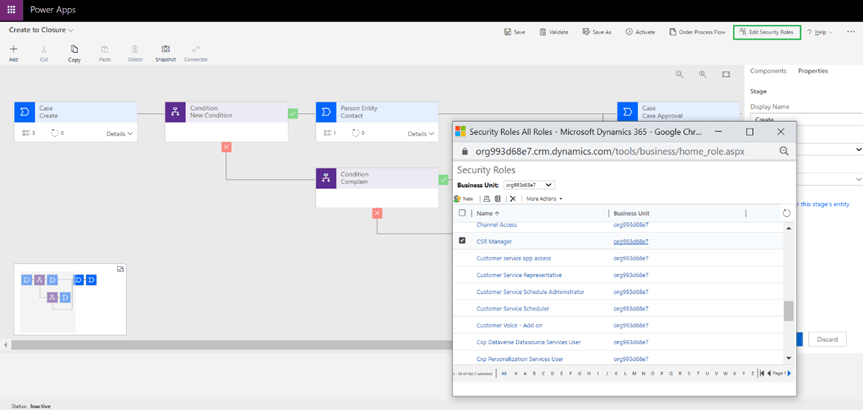
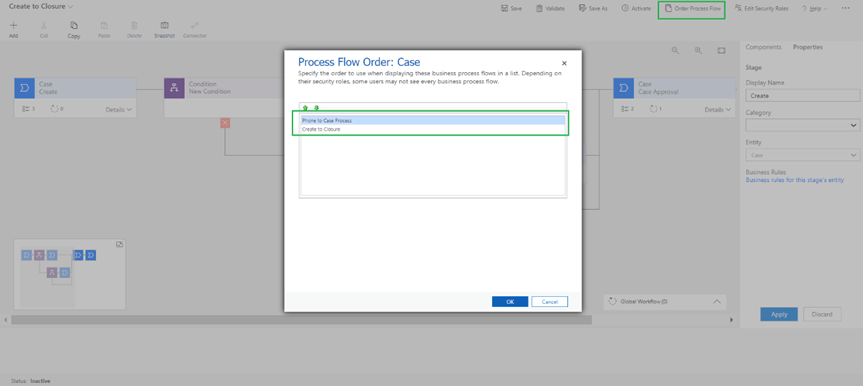
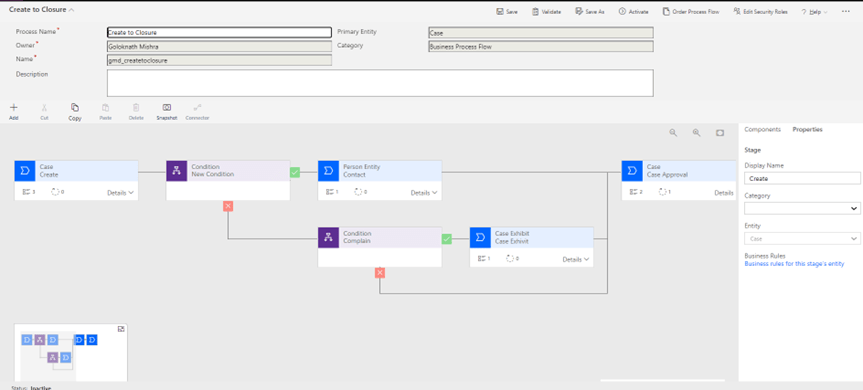
Let’s add an auto number field for the contact ID for which select/enter the required field information (Display name, Data type, Auto number Type, Format) as shown below
Let’s add another field type to upload file as shown below
These models are broadly classified 4 types based on operation –
Documents Type
This contains all the models which deals with documents
Prebuild Models
Invoice Processing
Extract information from invoices
Text Recognition
Extract all the text in photos and PDF documents (OCR)
Receipt Processing
Extract information from receipts
Identity Document Reader
Extract information from identity documents
Business Card Reader
Extract information from Business Cards
Custom Models
Document Processing
Extract custom information from documents
Document Type Models
Text Type
This contains all the models which deals with text analysis
Prebuild Models
Sentiment Analysis
Detect Positive, Negative, or neutral sentiment in text data
Category classification
Classify customer feedback into predefined categories
Entity Extraction
Extract key elements from text, and classifies them into predefined categories
Key Phrase Extraction
Extract most relevant words and phrases from text
Language Detection
Detect the predominant language of a text document
Text translation
Detect and translate more than 90 supported languages
Azure Open AI Service
Create text, answer questions, summarize documents and more with GPT
Custom Models
Category Classification
Classify texts into custom categories
Entity Extraction
Extract custom entities from your text
Structured Data
This contains model which deals with structure of data
Custom Models
Prediction
Predict future outcomes from historical data
Images
This contains models which deals with images
Prebuild Models
Text recognition
Extract all the text in photos and PDF documents (OCR)
Custom Models
Object Detection
Detect custom objects in images
Each model will pass through below 4 phases in sequence –
Build
Train
Manage
Publish
Build Model
To build a model using AI builder has below prerequisite –
AI builder requires Microsoft Dataverse storage to store and manage business data
AI builder must be enabled for the environment
Train Model
Before using AI builder models, you need to train the models. More the training of the model with different samples the confidence or accuracy will be more. So, training is a vital activity in AI automation.
Training takes some time in AI builder based on the level of difficulty so once the model is trained first time, you have access to details page where you can manage the model and you can see performance score of the models.
On the details page, training results appear in the last trained version section.
Manage Model
Optimising an AI model is an iterative process whose results can vary depending on the configurations you set and the training data you provide. Updating these factors can affect the performance of your model.
After model is trained a performance score will appear for each trained version so accordingly you can improve the model by adjusting the factors affecting the model.
After evaluation of model, you can check whether your model is perfectly fit, Underfit or Overfit
Underfit – This occurs when your model is not able to perform which is less than the expectation, in this case you need to train your model with more relevant information
Overfit – This occurs when your model gives accurate prediction for training data but not for new data, in this case you need to adjust relevant parameters and retrain the model
If your model is already once published, you will see one Published version and one Last Trained version which is not published yet after retraining. You can choose which one you want to use as final version to use and publish accordingly.
Publish Model
After the model is trained successfully you can publish to make it available. All users in your current environment will be able to use your published model when you publish it.
Process mining is to discover inefficiencies in organisation-wide processes
Task mining is to discover tasks happening on the desktop
It enables you to gain a deep understanding of your processes using event log files by system of recording. Process mining displays process map with data and parameters to recognize performance issues.
It provides insight by recording and collecting user action data to know how processes are performed, find common mistakes while performing tasks, and identify tasks that can be automated.
Process-oriented
User-oriented
See the actual steps needed to perform your organization’s operation process and remove any guesswork.
Understand what employees do while performing each task on their desktops.
Save time and money by optimizing processes
Identify and eliminate unnecessary actions in process tasks.
Detect noncompliant processes and/or tasks
Identify the most common actions through user interactions.
Discover automation opportunities
Automate tasks that would accelerate processes and reduce human errors
Process mining in process advisor is a valuable tool for businesses seeking to improve their operational efficiency and make decisions.
Benefits of process mining can be classified as below –
Improve operational efficiency
Enhance customer experience
Optimise resources
Ensure Compliance
Task mining in process advisor helps to capture detailed steps for tasks performed on users’ desktop. Task mining has below components –